

Available Post Templates
- Default
- Post Podcasts
- Post Readings
- Post Projects
- Post Product
1. What Are Post Templates?
Post templates allow Skalven to display different types of content with their own unique layout.While the Default template is used for regular blog articles, the other four templates are designed specifically for the custom content types included in the theme:
- Podcasts
- Readings
- Projects
- Products
2. When Should You Use a Custom Template?
If you create a post that belongs to one of the theme’s custom categories (Podcasts, Readings, Projects, or Products), you must:- Select the appropriate post template from the Post Settings panel in Ghost.
- Make sure that the post contains only one relevant tag (e.g., only
projectsfor a project post).
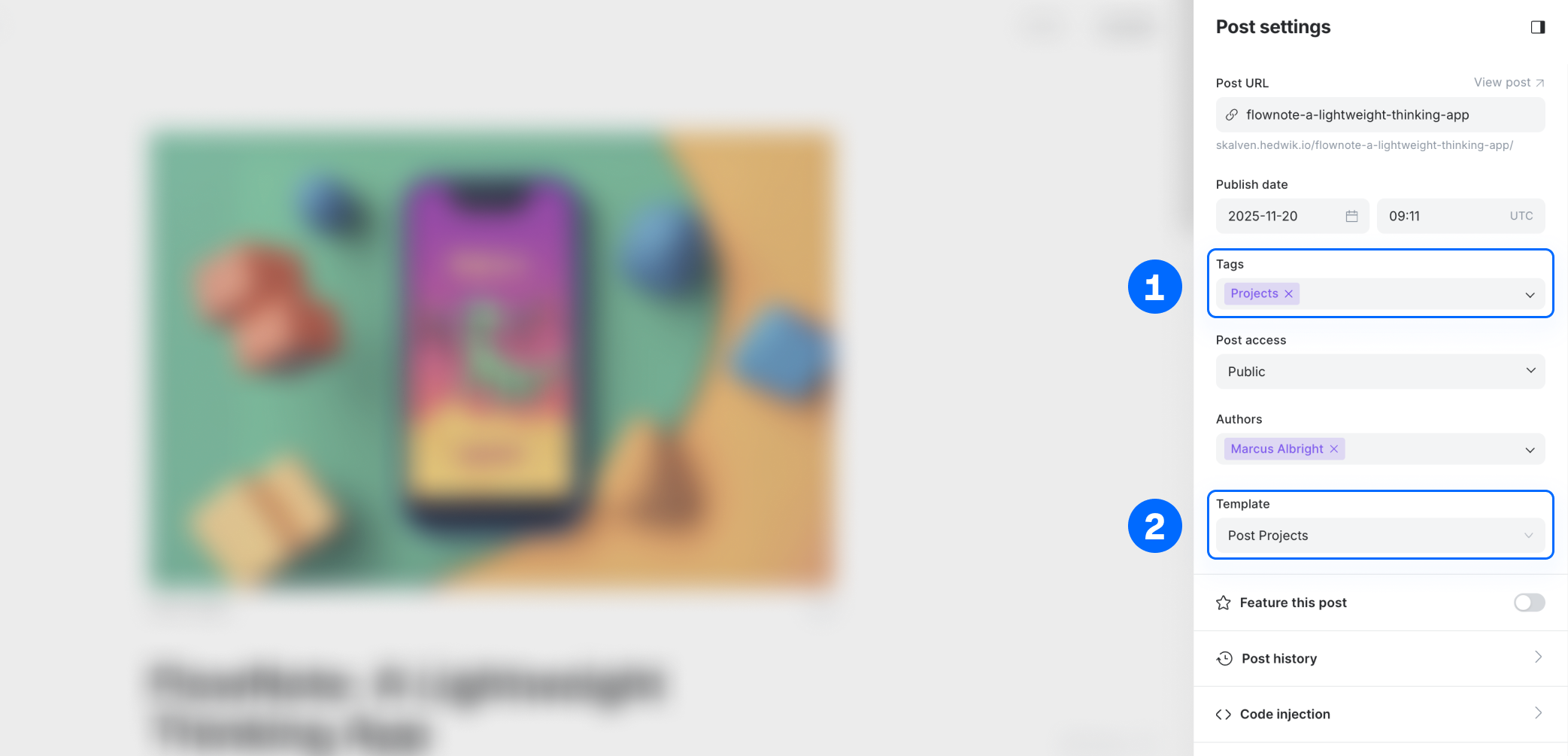
3. Example Scenario
Let’s say you are creating a new post for your Projects section. To display it correctly:- In the Post Settings panel, open Post Template.
- Select Post Projects.
- Ensure the post has only the
projectstag applied.
- the Projects homepage section,
- the Projects page,
- and will use the Post Projects template on its detail page.
4. Regular Articles
For normal blog posts (articles), you do not need to select any template.Simply publish your post, and Skalven will automatically use the Default template.